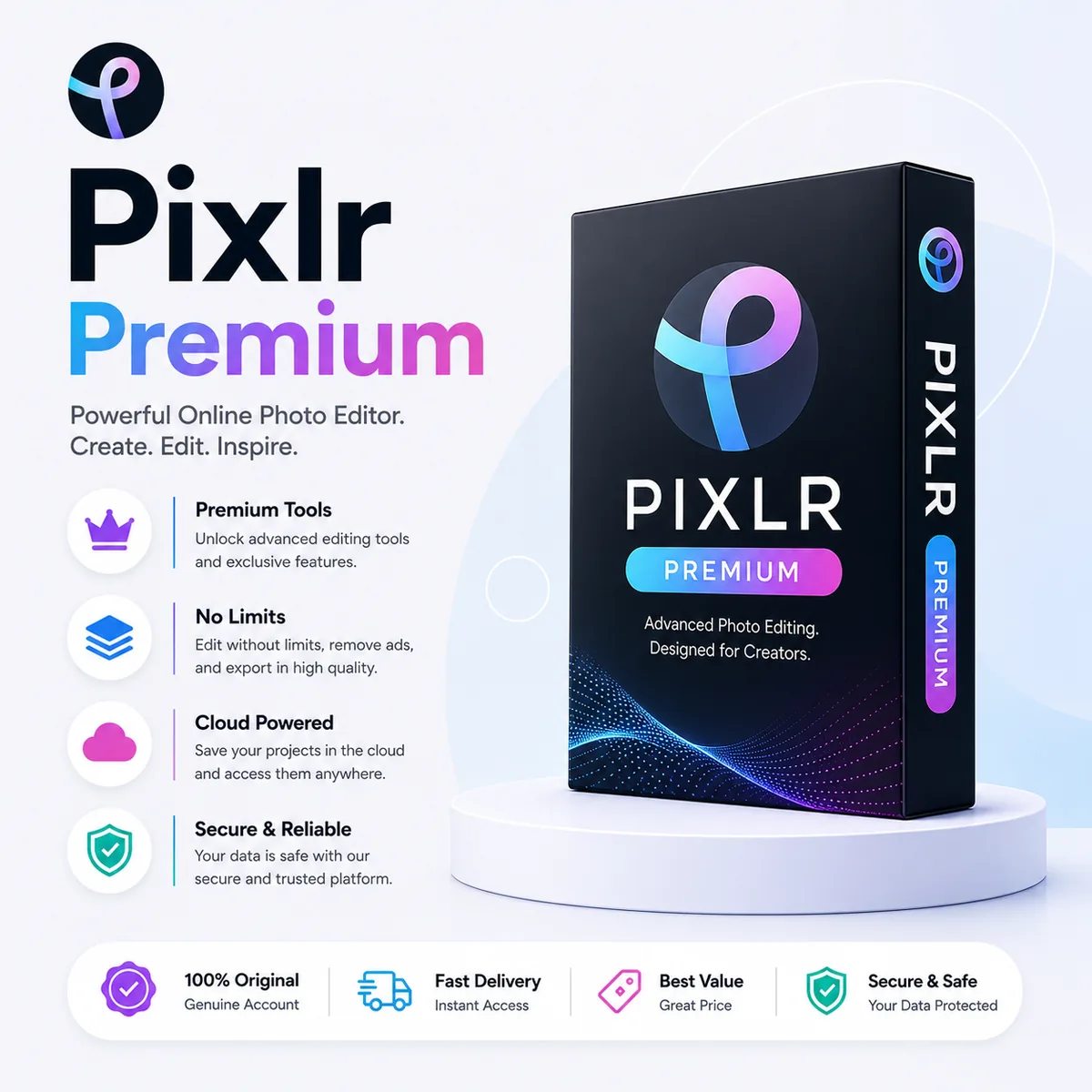
Pixlr is a powerful online photo editing suite that brings professional-grade image manipulation to your browser. With Pixlr Premium, you unlock AI-powered editing tools, thousands of design templates, advanced layering, and batch processing capabilities — all without installing heavy desktop software.
Pixlr Premium Key Features
- AI background removal and object detection
- Advanced layering, masking, and blending modes
- Thousands of design templates and stock overlays
- Batch editing for processing multiple photos at once
- Retouching tools including healing, clone, and liquify
Pixlr vs Adobe Photoshop
| Aspect | Pixlr Premium | Adobe Photoshop |
|---|---|---|
| Platform | Browser + mobile apps | Desktop only |
| Learning Curve | Beginner-friendly | Professional |
| AI Features | Built-in generative tools | Firefly (separate) |
| Best For | Quick edits & social content | Deep retouching & print |
Who Should Use Pixlr Premium?
- Social media managers creating content on the go
- Small business owners designing their own marketing
- Photographers needing quick touch-ups without heavy software
- Students and educators in design and photography courses
Explore More Photo & Design Tools
Complete your creative toolkit with these recommended products:
- Adobe Full App — Photoshop + Lightroom for advanced editing
- Canva Pro — Template-based design and social graphics
- Remini Photo Enhancer — AI photo restoration and upscaling
- Kittl Pro — Vector and typography design
- Browse all Design & Creative products
Frequently Asked Questions
Does Pixlr support PSD files?
Yes, Pixlr can open and edit PSD files with layer support, making it easy to collaborate with Photoshop users.
Is there a mobile app available?
Yes, Pixlr offers mobile apps for iOS and Android, allowing you to edit photos on your phone or tablet.
Can I use Pixlr for commercial projects?
Premium accounts include commercial usage rights for all edits, templates, and exported images.