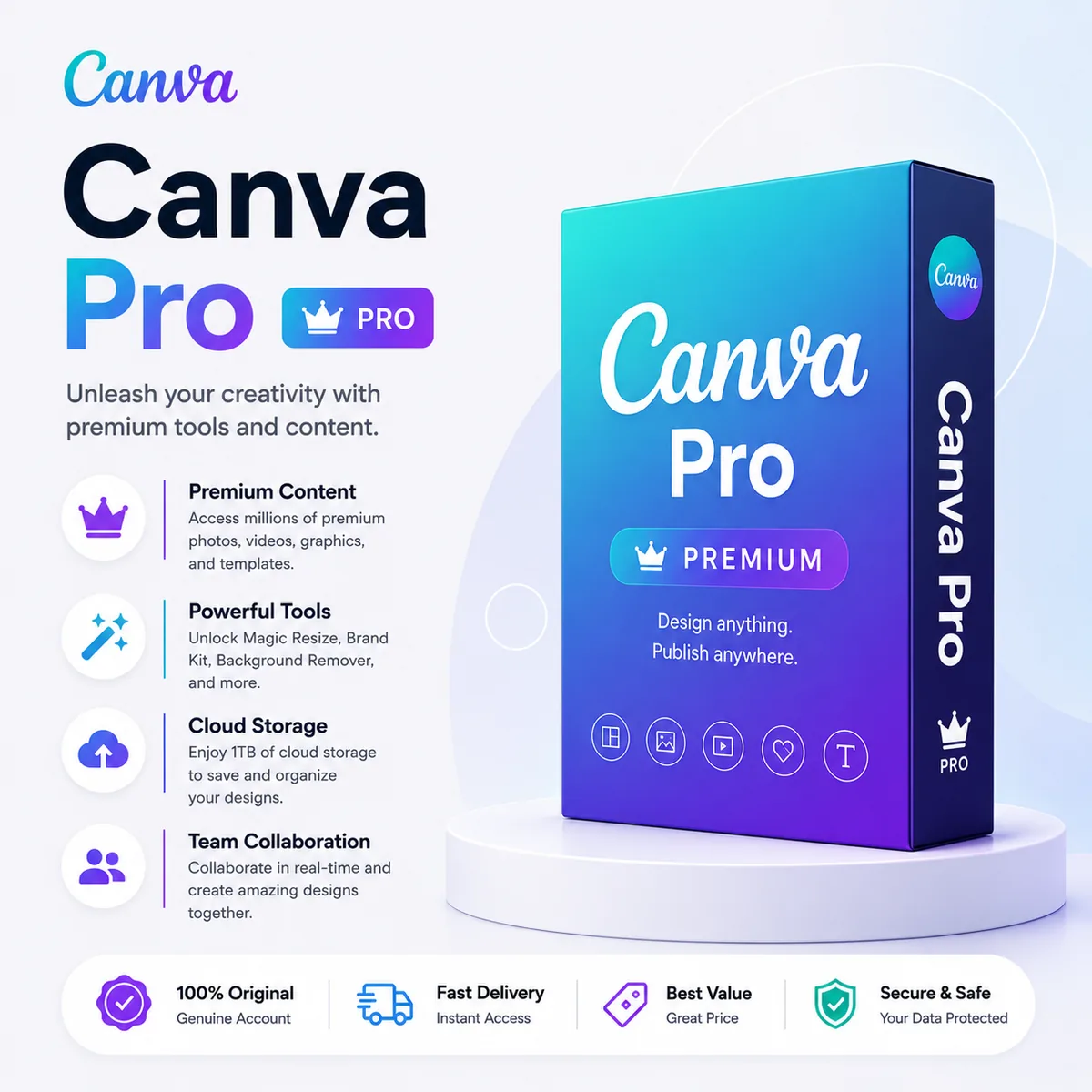
Canva Pro Account
Canva Pro turns the world's most popular design app into a full creative studio — premium templates, AI-powered generation, background removal, brand controls, and one-click resizing across every format you publish.
Key features
- 100M+ premium assets: Stock photos, videos, audio, graphics and templates unlocked
- Magic Studio AI: Magic Write, Magic Design, Magic Edit, Magic Eraser and Text-to-Image
- Background remover: One-click background removal on any image
- Brand Kit: Save logos, fonts, color palettes and apply them across designs
- Magic Resize: Resize any design to any platform format in one click
- 100GB cloud storage: Store and organize all your projects and uploads
How it compares
| Plan | Premium assets | AI tools | Brand Kit |
|---|---|---|---|
| Canva Pro | 100M+ | Full Magic Studio | Yes |
| Canva Free | Limited free assets | Basic | No |
| Canva Pro Team | 100M+ | Full Magic Studio | Shared across team |
| Canva for Education | Pro features (educators only) | Full | Yes |
Who it's for
- Social media managers producing daily content across multiple platforms
- Solopreneurs and small business owners needing on-brand marketing assets
- Content creators making thumbnails, reels covers, and presentations
- Marketing teams that want fast design without hiring a designer
Frequently asked questions
Will I get a personal Canva Pro account?
Yes — a ready-to-use Canva Pro account is delivered to your email.
Are AI features like Magic Write included?
Yes, the full Magic Studio AI suite is unlocked.
Can I use designs commercially?
Yes, Canva Pro includes a commercial license for premium content.
How long does the subscription last?
Plan duration depends on the variant you purchase — see the variant selector on this page.
Final thoughts
Get your Canva Pro Account from SoftkeyGlobal for instant delivery. Learn more on our key delivery page, review our refund policy, or visit the FAQ for ordering help. Browse all design & creative tools to find the perfect fit.