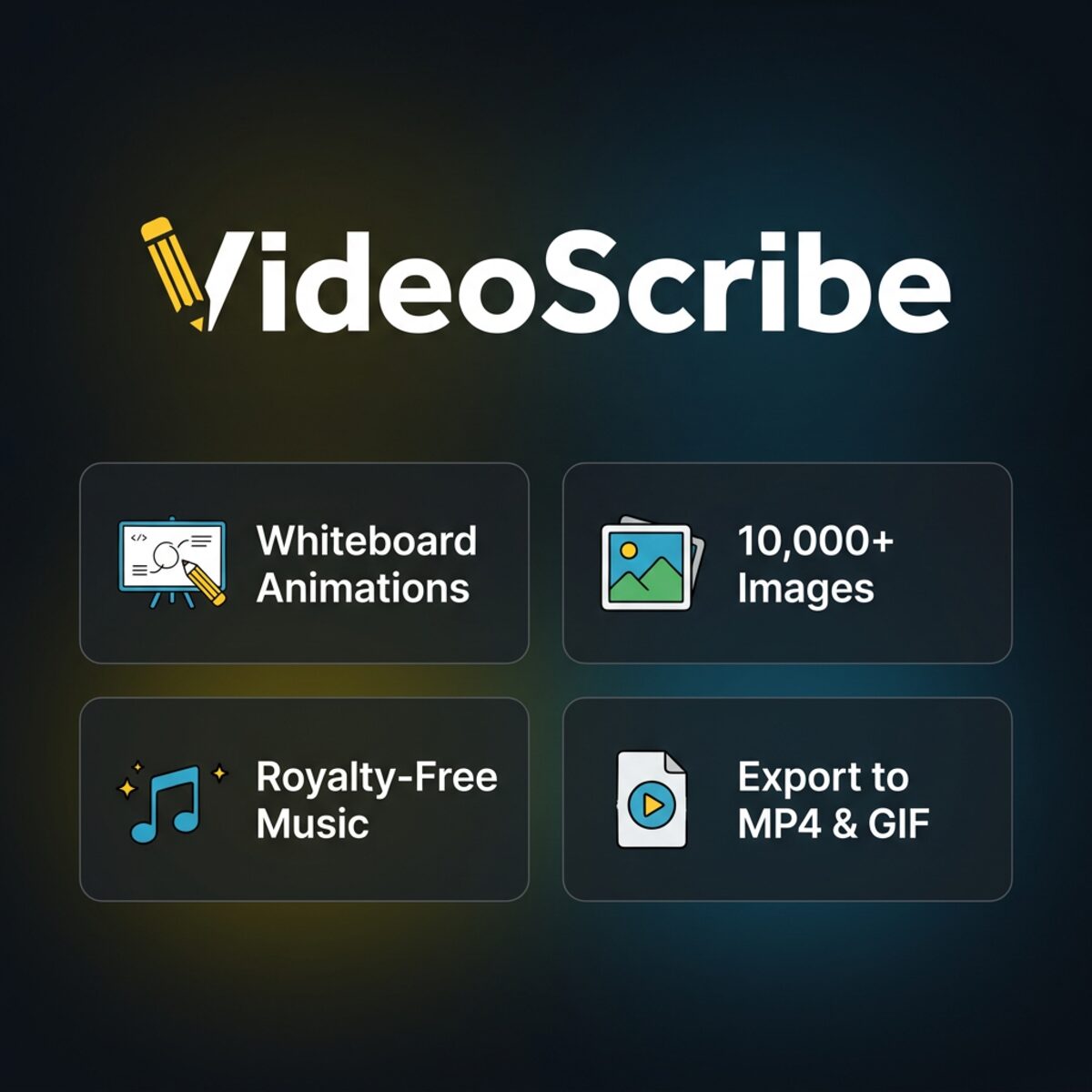
VideoScribe Pro Account gives you access to one of the easiest and most popular whiteboard animation tools. Whether you are creating educational content, marketing videos, or presentations, VideoScribe helps you tell your story with hand-drawn animations that captivate your audience.
What Is Included with VideoScribe Pro?
- Thousands of hand-drawn images and icons
- Royalty-free music and sound effects library
- Customizable whiteboard, glassboard, and blackboard styles
- Import your own images, fonts, and voiceovers
- HD and Full HD video exports
- Offline desktop application for Windows and Mac
- Commercial use license for client projects
Who Should Use VideoScribe Pro?
VideoScribe is perfect for teachers, trainers, marketers, and business owners who want to create explainer videos, training content, and promotional animations. The intuitive drag-and-drop interface makes it accessible even if you have no animation or design experience.
VideoScribe Pro vs Free Trial
| Feature | Trial | Pro |
|---|---|---|
| Export videos | Watermarked | No watermark |
| Image library | Limited | Full access |
| Music & sound effects | Limited | Full library |
| Commercial license | No | Yes |
| Resolution | Standard | Full HD |
Related Products
- Browse our complete Design & Creative selection.
- For video editing, check CapCut Pro.
- Stock video and audio at Storyblocks Premium.
- Motion graphics templates at Motion Array.
Frequently Asked Questions
Do I need animation skills to use VideoScribe?
No, VideoScribe is designed for beginners. Simply drag images onto the canvas, set the drawing order, and the software handles the animation automatically.
Can I use VideoScribe videos for commercial purposes?
Yes, the Pro license includes commercial rights for client projects, YouTube monetization, and advertising.
How do I receive my account?
Account details are sent instantly after purchase. See our key delivery page for more information.
Create stunning whiteboard animations with VideoScribe Pro Account today.