
How to Choose the Right VPN: A Complete Buyer's Guide for 2026
A practical, no-hype guide to picking a VPN — what to actually compare, which features matter, and how to avoid "free" VPNs that sell your data.
How to Choose the Right VPN: A Complete Buyer's Guide for 2026
VPNs are everywhere — YouTube ads, podcast sponsors, app store charts. But most of the marketing is noise. This guide cuts through it and gives you the small list of things that actually matter when choosing a VPN.
What a VPN Actually Does (and Doesn't Do)
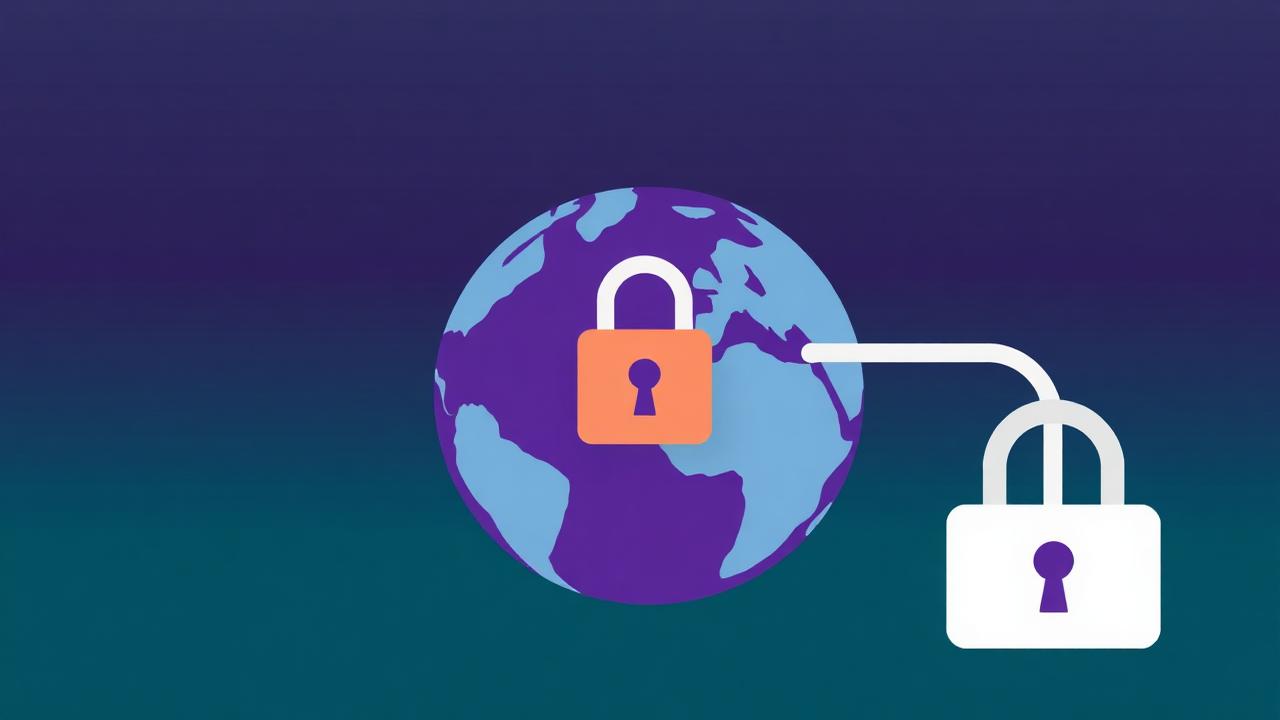
A VPN routes your internet traffic through an encrypted tunnel to a remote server. Your ISP and local network see only encrypted traffic to the VPN; the destination site sees the VPN's IP instead of yours.
What it does well:
- Hides your browsing from your ISP and network admin
- Lets you appear to be in another country (useful for accessing region-locked content)
- Adds protection on public Wi-Fi
- Bypasses some censorship and ISP throttling
What it does NOT do:
- Make you anonymous to websites you log into
- Block ads or trackers (unless explicitly advertised)
- Protect you from phishing or malware
- Encrypt traffic between the VPN server and the destination — that still depends on HTTPS
If you're shopping for a VPN expecting full anonymity, recalibrate first.
The 6 Things That Actually Matter
1. Logging Policy
A "no-logs" VPN means the provider doesn't keep records of what you do. Check:
- Has it been independently audited? (Marketing claims are not proof.)
- Where is the company legally based? Some jurisdictions can compel data sharing.
- What's in the privacy policy literally — not the headline.
2. Server Network
More servers, more countries = more flexibility. Specifically check:
- Servers in the countries you actually care about
- City-level options if you need them
- Specialty servers (P2P, streaming, obfuscated)
3. Speed and Protocols
Modern VPN protocols are fast. Look for:
- WireGuard support (fastest, lowest overhead)
- OpenVPN for compatibility
- Provider's own optimized protocol (NordLynx, Lightway, etc.)
A good VPN should cost you 5-15% of your raw connection speed — not 50%.
4. Device Coverage
How many devices on one subscription? How many simultaneous connections?
- Up to 5 devices: Fine for a single person with a laptop and phone
- 6-10 devices: Good for a couple or small family
- Unlimited: Best for households with many gadgets
Also check apps for your platforms: Windows, macOS, iOS, Android, Linux, router firmware.
5. Streaming Compatibility
If you're buying a VPN partly for streaming:
- Netflix, Disney+, HBO Max, and BBC iPlayer actively block VPN IPs
- Reliable streaming access requires constantly-rotated IPs — only major paid providers manage this consistently
- "Works with Netflix" claims should be backed by recent (last 90 days) user reports
6. Price and Refunds
- Monthly is expensive ($10-15)
- 1-year plans drop to $3-6/month
- 2-3 year plans drop further but lock you in
- A 30-day refund policy is the realistic test period — buy long, test hard, refund if it doesn't work
Why "Free" VPNs Are Usually a Bad Idea
A VPN is expensive to operate — servers, bandwidth, engineers. If you're not paying, look closely at how the company makes money. Common patterns:
- Selling your browsing data to advertisers (the literal opposite of why you got a VPN)
- Injecting ads into pages you visit
- Aggressive upsell with crippled free tier
- Outright malware disguised as a VPN app
The exceptions are:
- Free tiers of reputable paid services (limited bandwidth or server choice, but the same engine and policy)
- Open-source community-funded tools like Cloudflare WARP
Use Case → Recommendation Cheat Sheet
| Your goal | Look for | |---|---| | Privacy from ISP/Wi-Fi snooping | Audited no-logs, WireGuard, strong jurisdiction | | Streaming foreign Netflix libraries | Reputation for unblocking, lots of country options | | Bypassing censorship | Obfuscation/stealth protocols, servers near you | | Torrenting safely | P2P-friendly servers, kill switch, no-logs | | Faster, more private DNS without full VPN | Cloudflare 1.1.1.1 WARP | | Family / many devices | Unlimited or 10+ device plan |
Recommended VPN Options on Our Store
We sell legitimate VPN keys and accounts across all the major options:
- [Cloudflare 1.1.1.1 WARP Key](/products/cloudflare-1-1-1-1-warp-key) — fast, lightweight, great for daily browsing privacy
- [Windscribe VPN (1 Device)](/products/windscribe-vpn-1-device) — flexible, audited, good for general use
- [ZenMate VPN Account](/products/zenmate-vpn-account) — beginner-friendly with solid streaming support
- [VyprVPN 1-Year (1 Device)](/products/vyprvpn-1-year-1-device) — strong privacy focus with Chameleon protocol for obfuscation
Each comes with clear activation instructions and warranty coverage.
Setup Checklist for Any VPN
Once you've picked and installed one:
1. Enable the kill switch. Blocks traffic if the VPN drops, so nothing leaks. 2. Set it to launch at startup. A VPN you forget to turn on protects nothing. 3. Test for leaks. Visit [ipleak.net](https://ipleak.net) with VPN on — your real IP and DNS should not appear. 4. Pick the closest server for normal use; switch countries only when you need to. 5. Use the WireGuard protocol unless something specific requires OpenVPN.
Final Thoughts
A VPN is a useful tool, not a magic privacy cloak. Pick one with an audited no-logs policy, the protocols and devices you need, and a long enough refund window that you can actually test it. Skip the free ones unless they're from a reputable paid provider. Then turn it on, leave it on, and forget about it — that's when it's doing its job.
Looking for software deals?
Browse our collection of genuine software keys and premium accounts at the best prices.