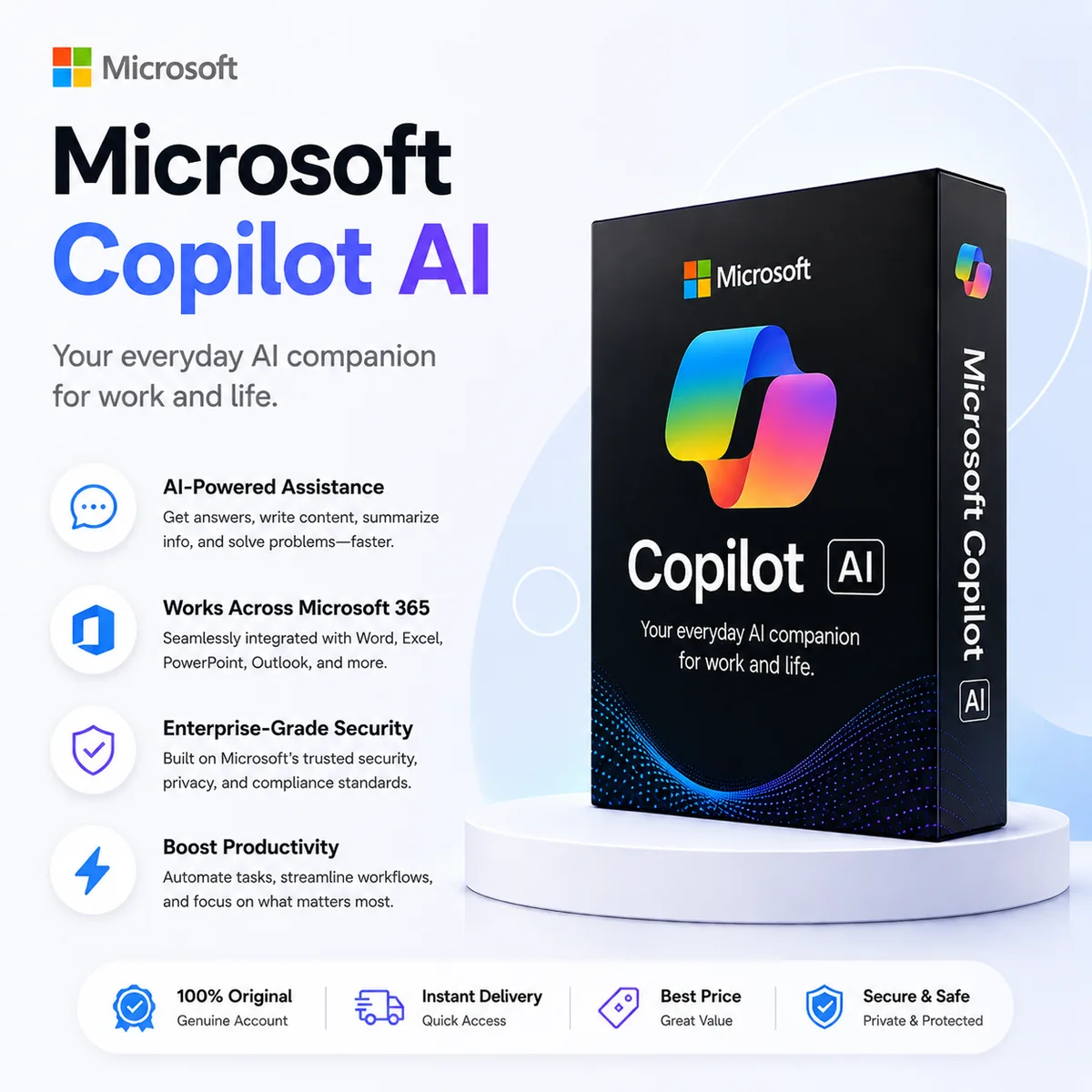
If your day already runs through Word, Excel, PowerPoint and Outlook, Microsoft Copilot Pro is the version of AI that lives where your work already happens. Instead of copy-pasting between a chat tab and your real document, Copilot sits in the sidebar of every Office app and does the boring 80% for you — summarising a 40-slide deck, writing the email reply you've been putting off, building a pivot table out of a messy CSV. A Microsoft Copilot Pro account from SoftkeyGlobal gets you the upgraded tier without dealing with regional billing or workspace setup.
What Copilot Pro actually does
- Copilot inside Word — draft, rewrite, summarise, change tone, generate from a prompt.
- Copilot inside Excel — explain formulas, suggest charts, build pivots from natural language.
- Copilot inside PowerPoint — turn a doc into a deck, redesign slides, generate speaker notes.
- Copilot inside Outlook — summarise long threads, draft replies, schedule with context.
- Copilot inside OneNote — turn messy notes into structured action lists.
- Priority access to the latest GPT models, even during peak hours.
- AI image generation with extra daily boosts via Designer.
Who gets the most out of it
Anyone whose job is "a lot of documents." Analysts living in Excel save an hour a day on data cleanup. Sales and account managers replying to long client threads draft in seconds instead of minutes. Consultants and PMs turning research notes into client-ready decks finish in one sitting. And students writing essays, summarising readings, or building presentations get a 24/7 study partner that knows their actual files.
Copilot Pro vs the alternatives
| Feature | Copilot Pro | ChatGPT | Google Gemini |
|---|---|---|---|
| Inside Word / Excel / PPT | Native, full integration | Copy-paste workflow | Native in Google Docs only |
| Underlying model | Latest GPT, priority access | Latest GPT | Gemini family |
| Email drafting in Outlook | Yes, with thread context | No native integration | Gmail only |
| Image generation | Yes, via Designer boosts | Yes | Yes |
| Best for | Office-heavy workflows | General chat & coding | Google Workspace users |
If most of your day is in Office, Copilot Pro is the obvious pick. If you also run lots of standalone chats, code reviews, or research sessions, a lot of pros pair it with ChatGPT or Claude Pro. Researchers often add Perplexity Pro for sourced, citation-style answers.
A normal workday with Copilot Pro
You start in Outlook — Copilot summarises the 18 unread threads from overnight, drafts replies for three of them, schedules a follow-up. Move to Excel — drop in last week's report, ask "what changed vs the prior period," get a pivot and a chart back. Open PowerPoint — point it at the Word doc you wrote yesterday and have a 12-slide draft in two minutes. By lunch you've shipped what used to take a full day.
Delivery and warranty
Orders are fulfilled automatically — credentials hit your email right after payment confirms. Card payments are instant, crypto usually confirms in a few minutes. The key delivery page walks through exactly what you receive, and the FAQ answers the questions buyers ask the most.
Every account is covered for the full subscription term. If access ever stops working we replace it — full conditions on the refund policy page.
Final thoughts
Copilot Pro is not the flashiest AI on the market, and it doesn't need to be. It's the one that quietly removes the most friction from the apps you already open every morning. If "Office" describes more than half your screen time, this upgrade is the one that actually buys back hours each week.