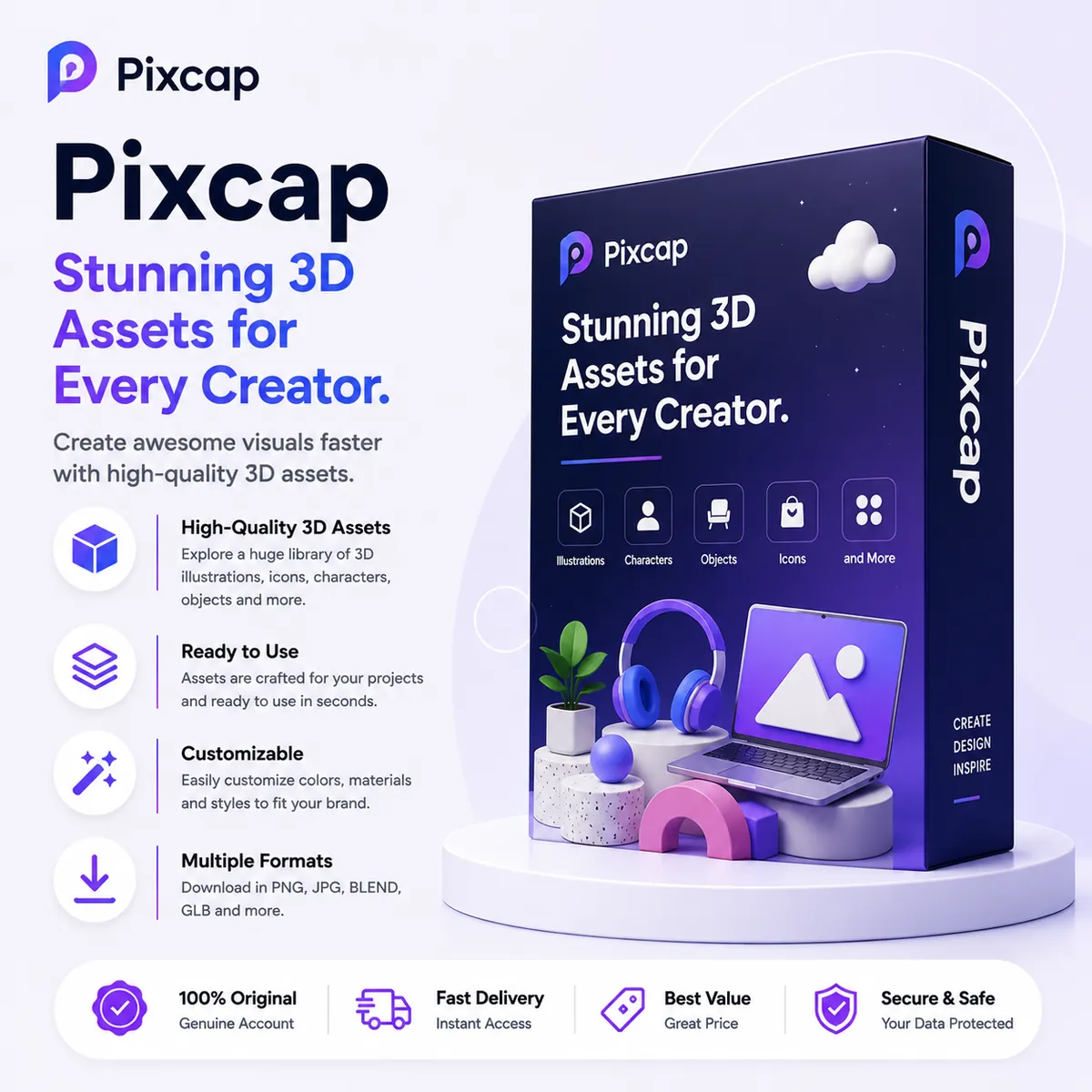
Pixcap is a browser-based 3D design platform that empowers marketers, designers, and content creators to build stunning 3D illustrations without learning complex modeling software. With Pixcap, you can customize pre-built 3D characters, objects, and scenes directly in your web browser, then export high-quality images for websites, apps, and presentations.
Why Choose Pixcap?
- Thousands of customizable 3D characters and objects
- Intuitive drag-and-drop scene builder
- Export in PNG, SVG, and 3D formats
- No 3D modeling experience required
- Perfect for web, mobile, and presentation graphics
Pixcap vs Traditional 3D Software
| Factor | Pixcap | Blender / Cinema 4D |
|---|---|---|
| Learning Curve | Minimal | Steep |
| Installation | Browser-based | Desktop only |
| Speed | Minutes per scene | Hours per scene |
| Best For | Marketing & UI graphics | Film & game assets |
Who Should Use Pixcap?
- UI/UX designers adding 3D elements to interfaces
- Marketing teams creating eye-catching campaign visuals
- Startups building illustrative branding without a 3D artist
- Educators teaching basic 3D concepts visually
Related 3D & Design Tools
Enhance your design pipeline with these complementary tools:
- Canva Pro — Combine 2D and 3D visuals easily
- Figma Pro — UI design with 3D integration
- Adobe Full App — Advanced image compositing
- Kittl Pro — Vector design and illustrations
- Explore all Design & Creative tools
Frequently Asked Questions
Do I need to install any software?
No. Pixcap runs entirely in your web browser on any modern device with internet access.
Can I animate 3D characters in Pixcap?
Pixcap focuses on static scene composition and posing. For full animation, consider dedicated 3D animation tools.
Are exports suitable for commercial use?
Yes, Premium exports are fully licensed for commercial projects including websites, apps, and advertising.